
UniReader for iPhone and iPad
Everything you read, in one place.
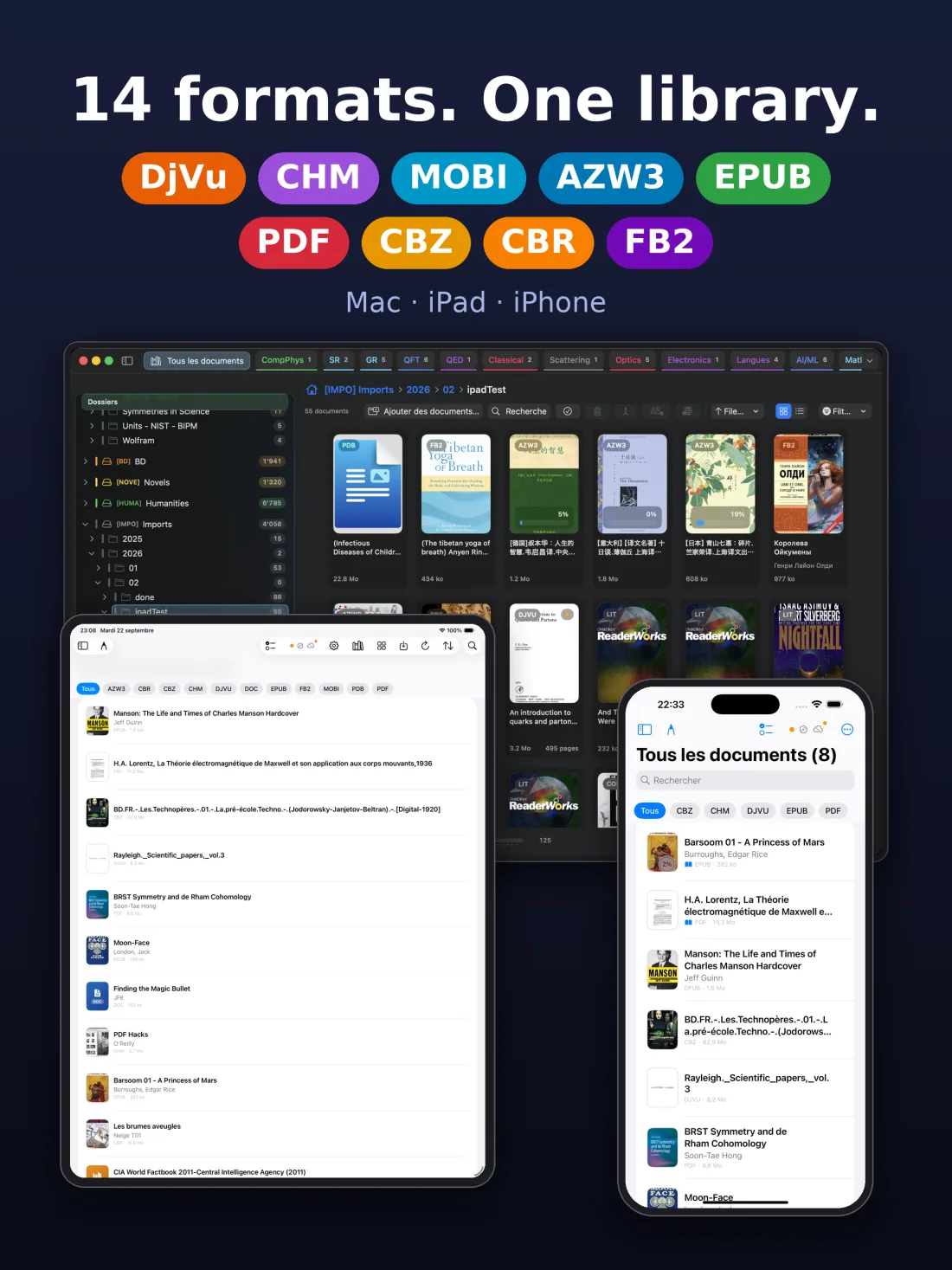
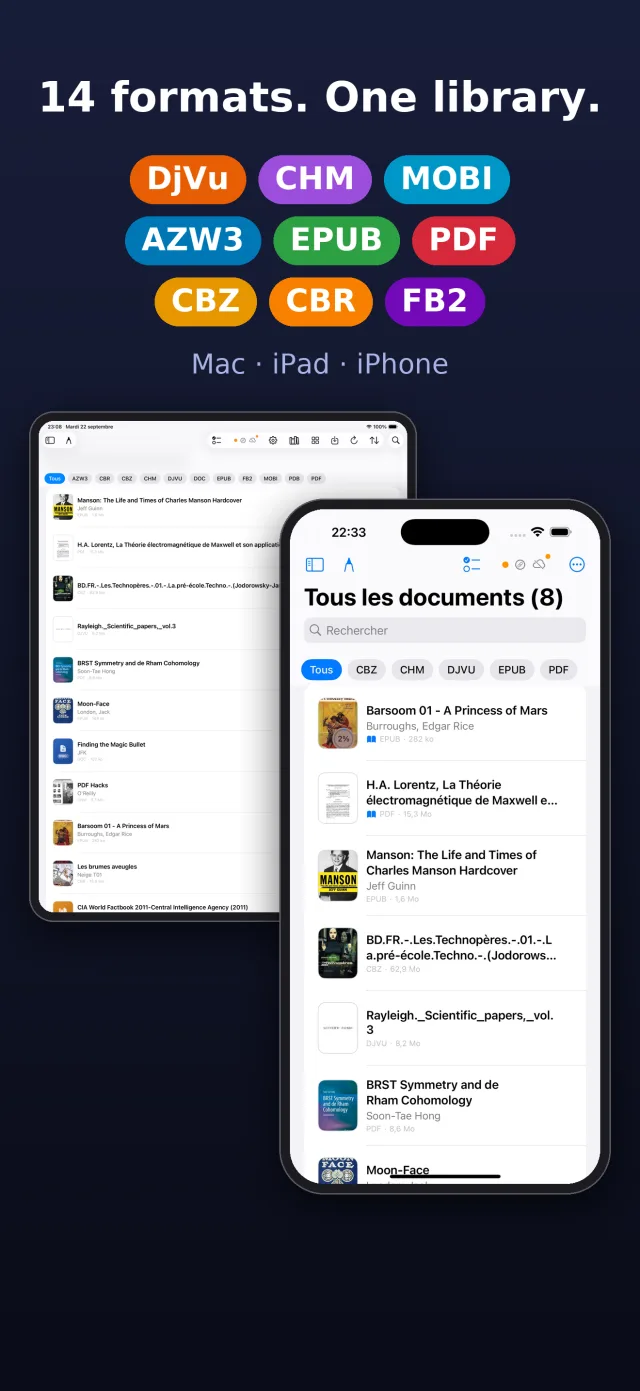
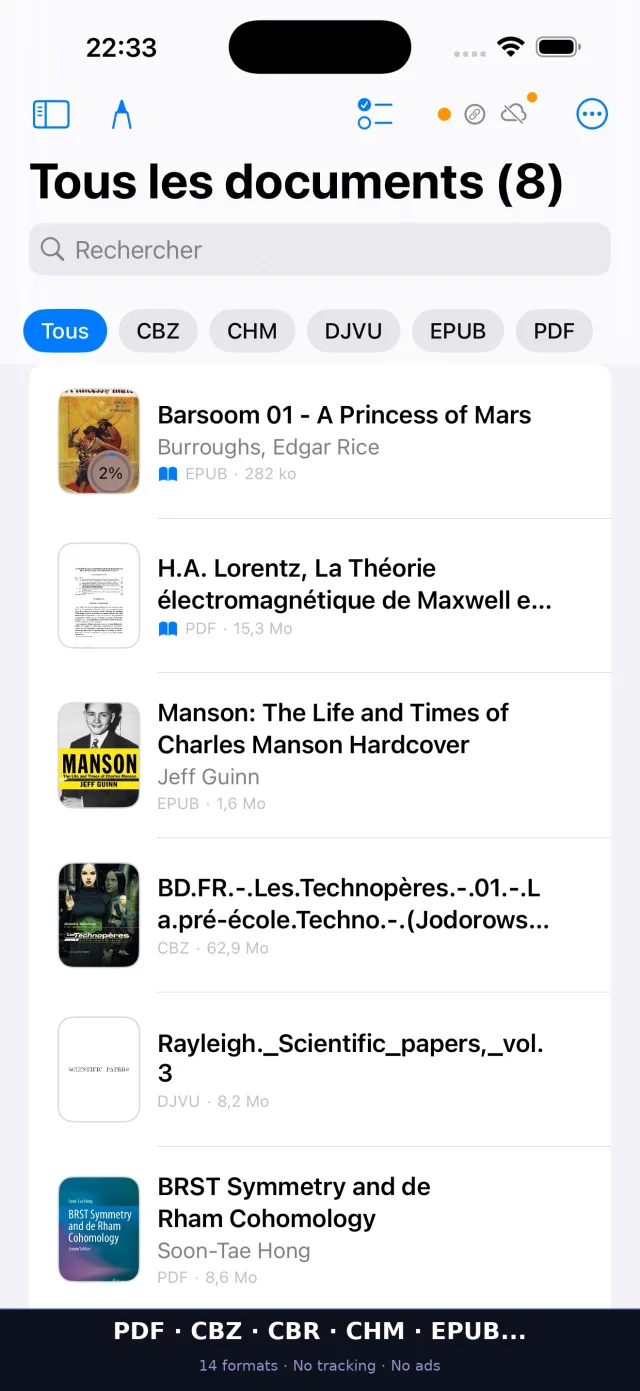
Our reading is scattered. A PDF here, an EPUB there, comics in an archive, an old DjVu that nothing seems to open — and every format wants its own app.
We think reading should start with the book, not with the file. UniReader opens them all, keeps them together on your iPhone and iPad, and then gets out of the way.

Try everything free for 10 days. After that, PDF, EPUB and TXT stay free, and so do the first 7 pages of FB2 books.
How it works
- 1
Bring your books
Add books from the Files app, from another app’s Share button, or over Wi‑Fi from your computer’s browser.
- 2
Open anything
PDF, EPUB, comics, DjVu, MOBI, Word and the rest open at once, with their cover and their table of contents. No conversion, no extra app.
- 3
Read your way
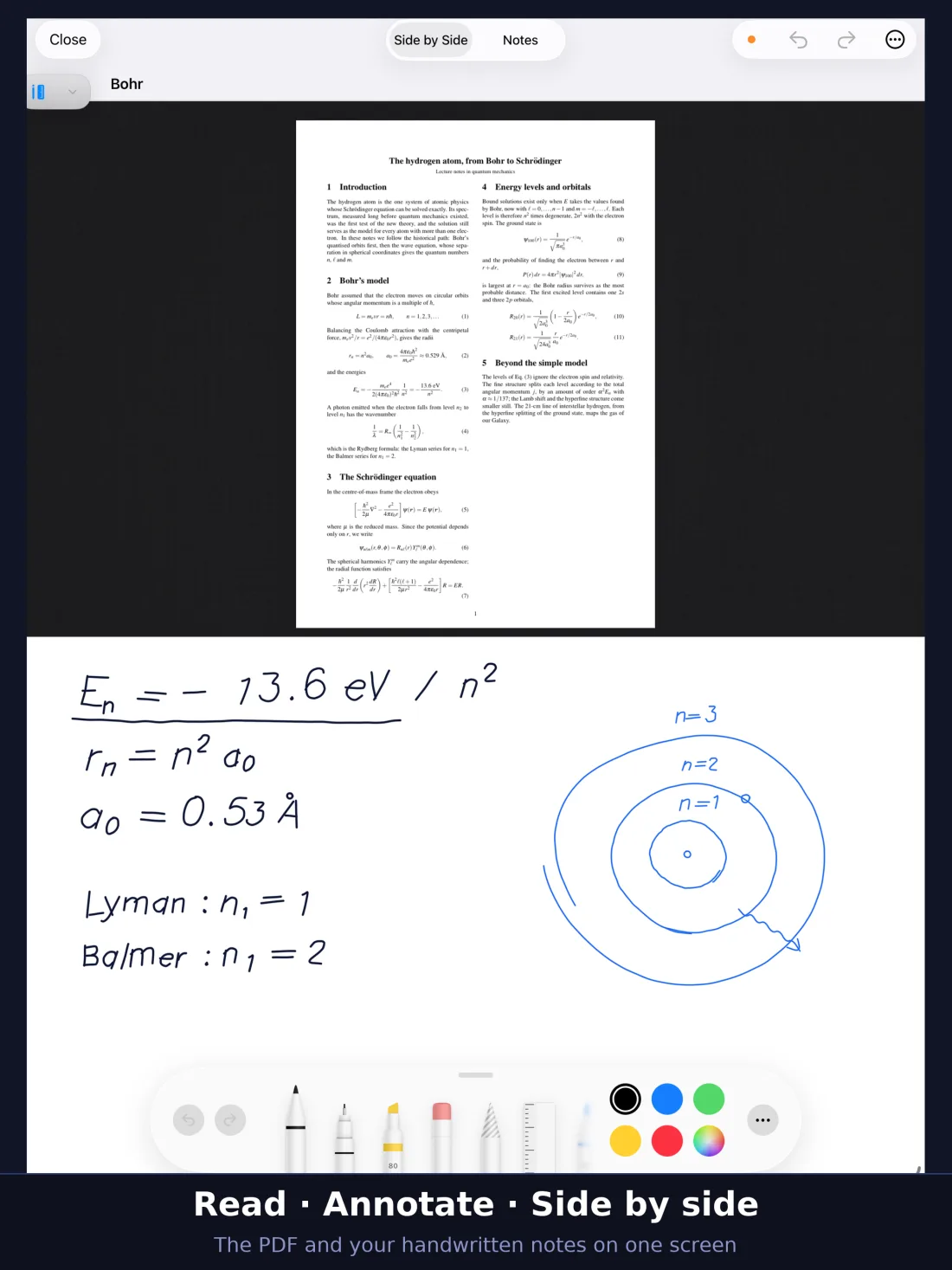
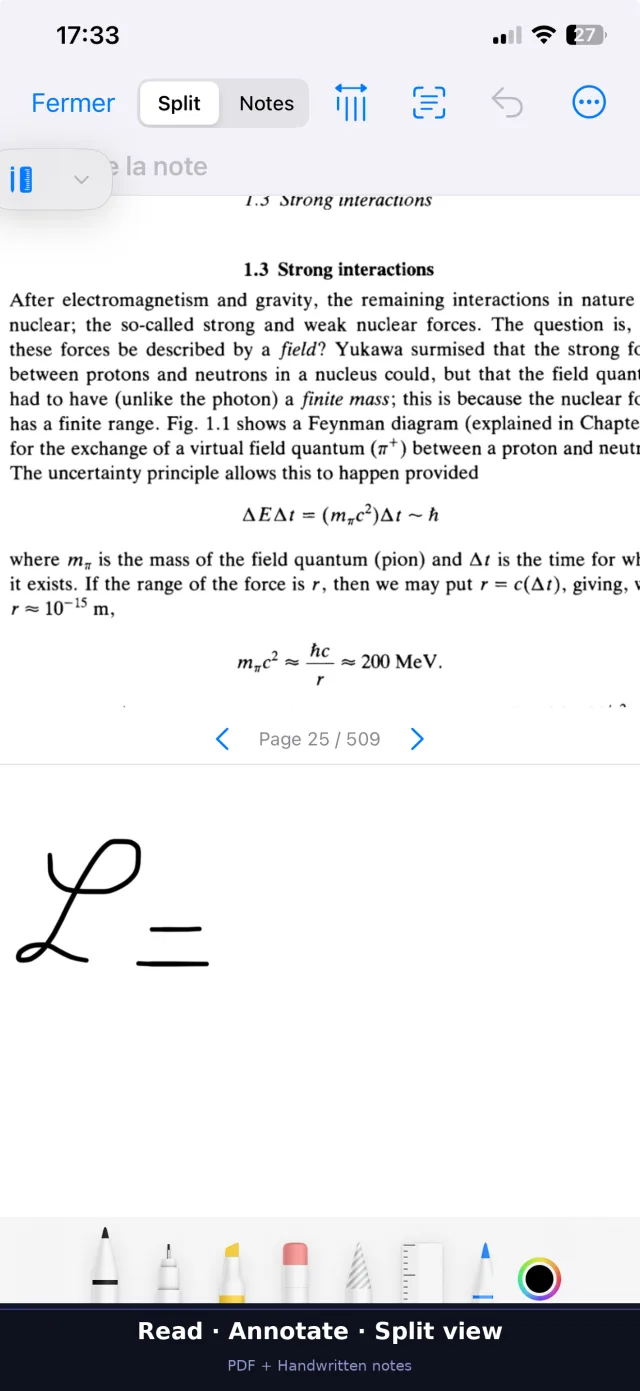
Highlight, write with Apple Pencil, have the text read aloud — and pick up where you stopped, even on your other Apple devices.
15 formats, one reader
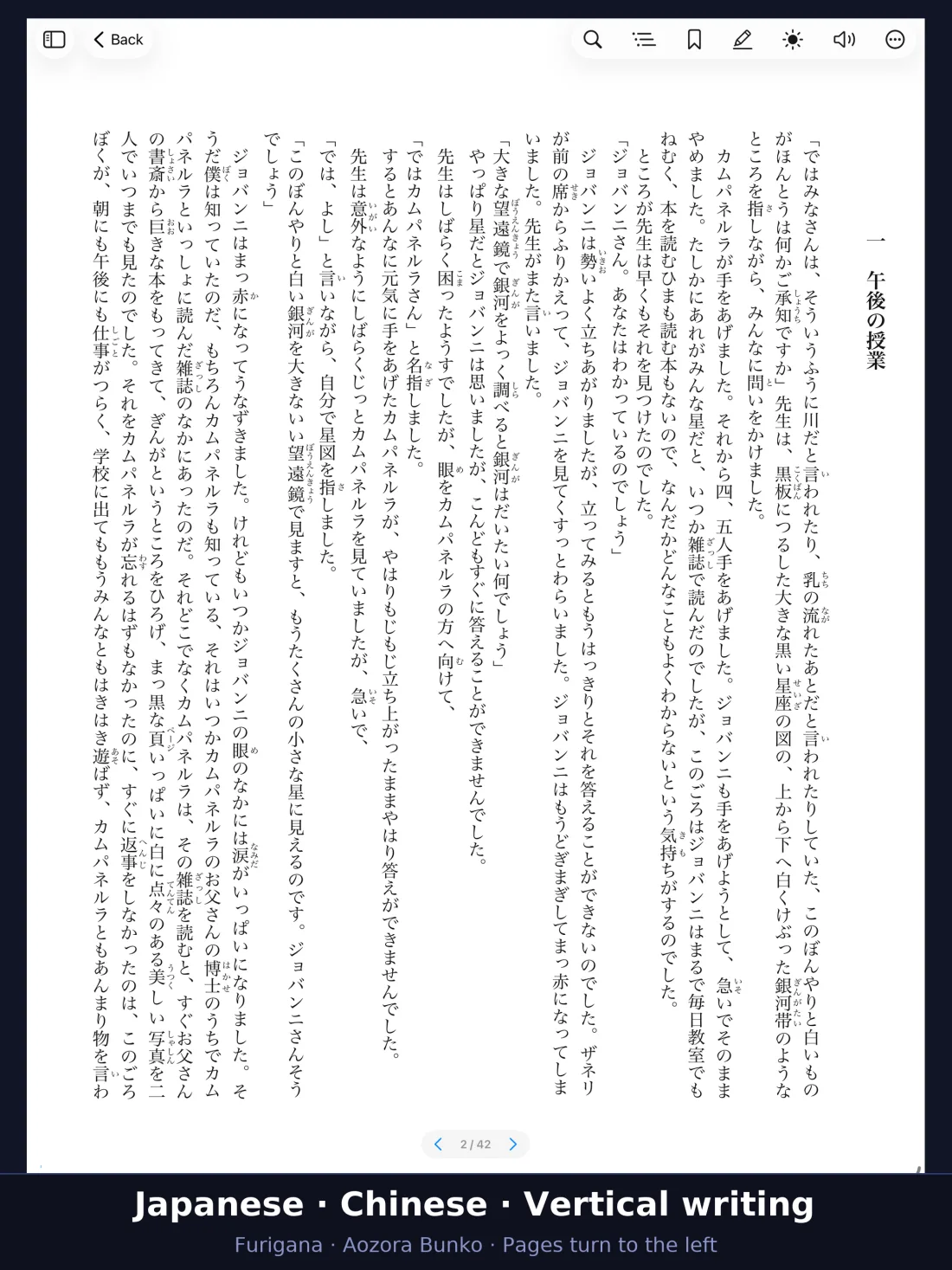
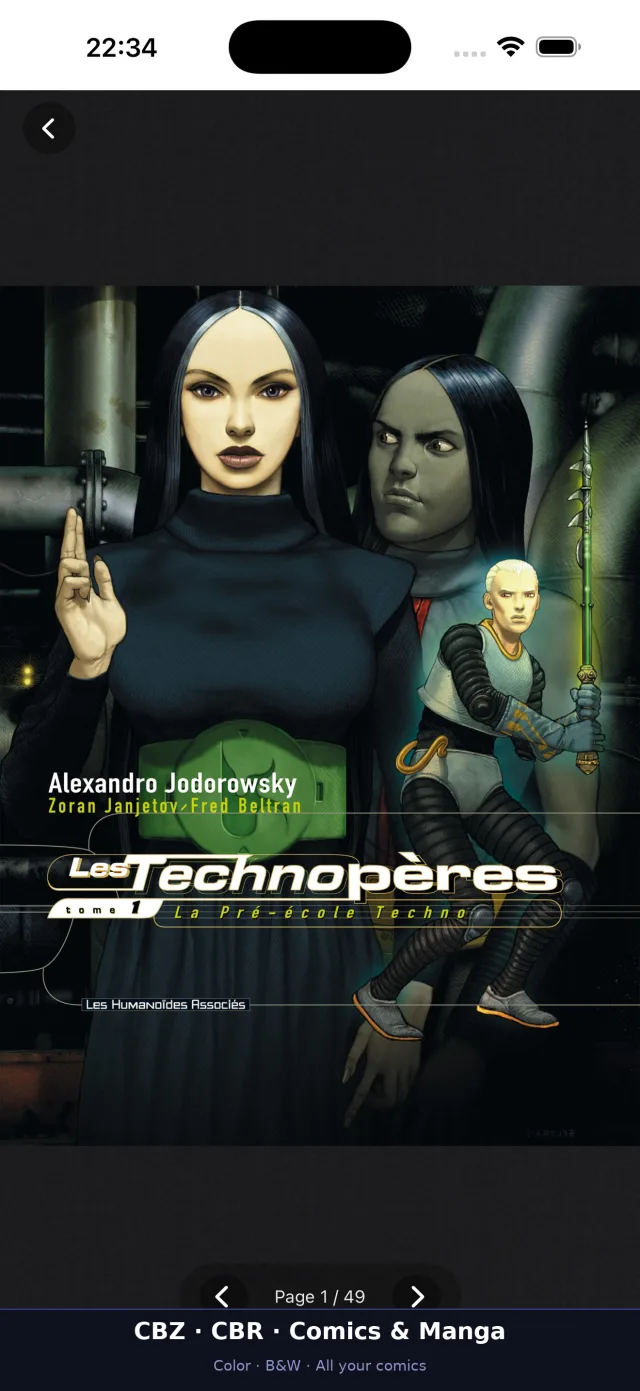
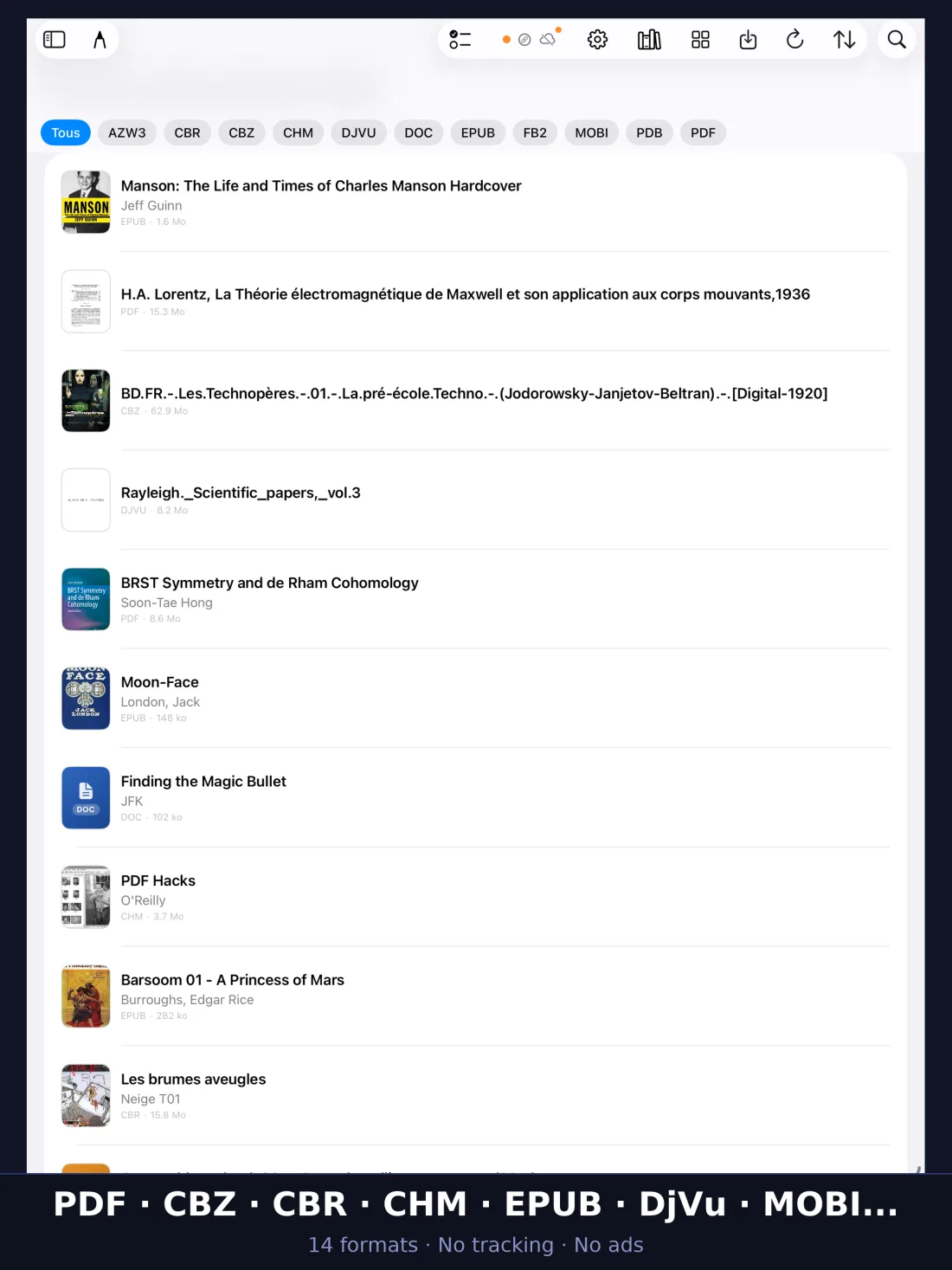
Novels and manga, manuals and scanned books, office documents and old e‑book formats — each one opens natively, without being converted.
- EPUB
- DjVu
- MOBI
- AZW3
- CHM
- FB2
- DOC
- DOCX
- RTF
- TXT
- Markdown
- LIT
- CBZ
- CBR
Reading
A reader that makes room for the book
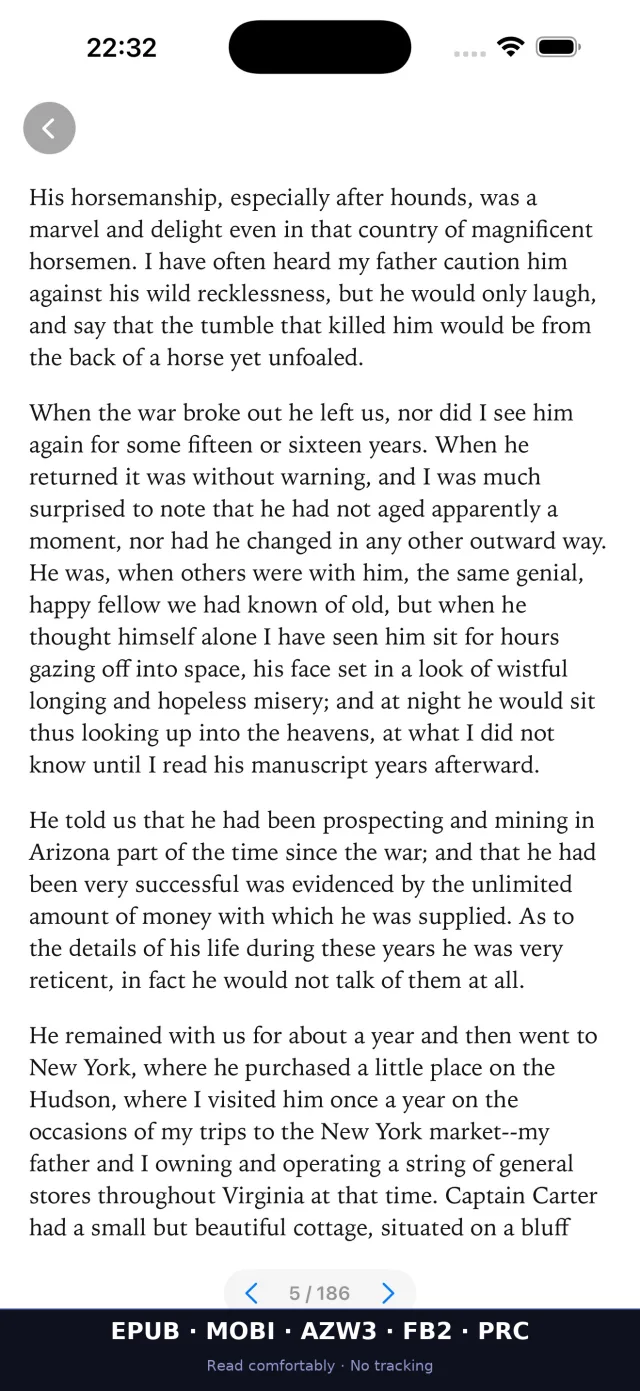
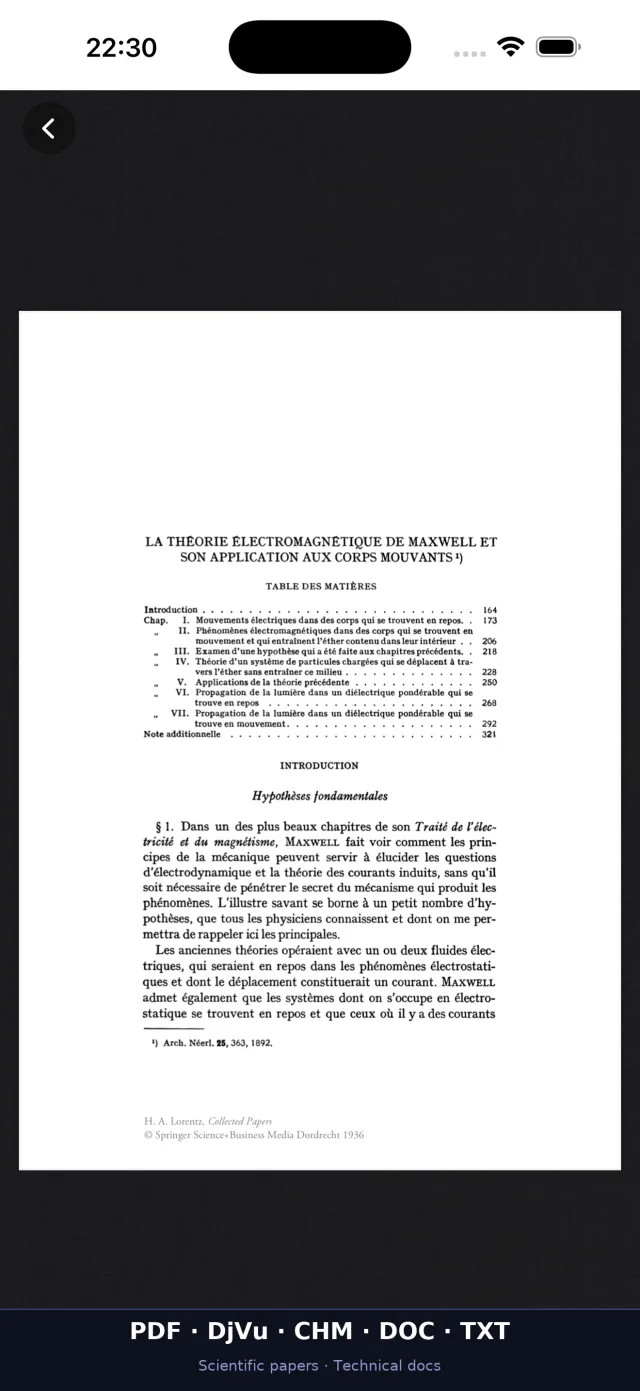
Two pages side by side on iPad, one comfortable column on iPhone. Day, night, sepia or paper, the font you like, and nothing else on the screen.
Comics and manga turn page by page, scanned books stay sharp when you zoom, and every book reopens where you left it.
Your library
Books with the right title and the right cover
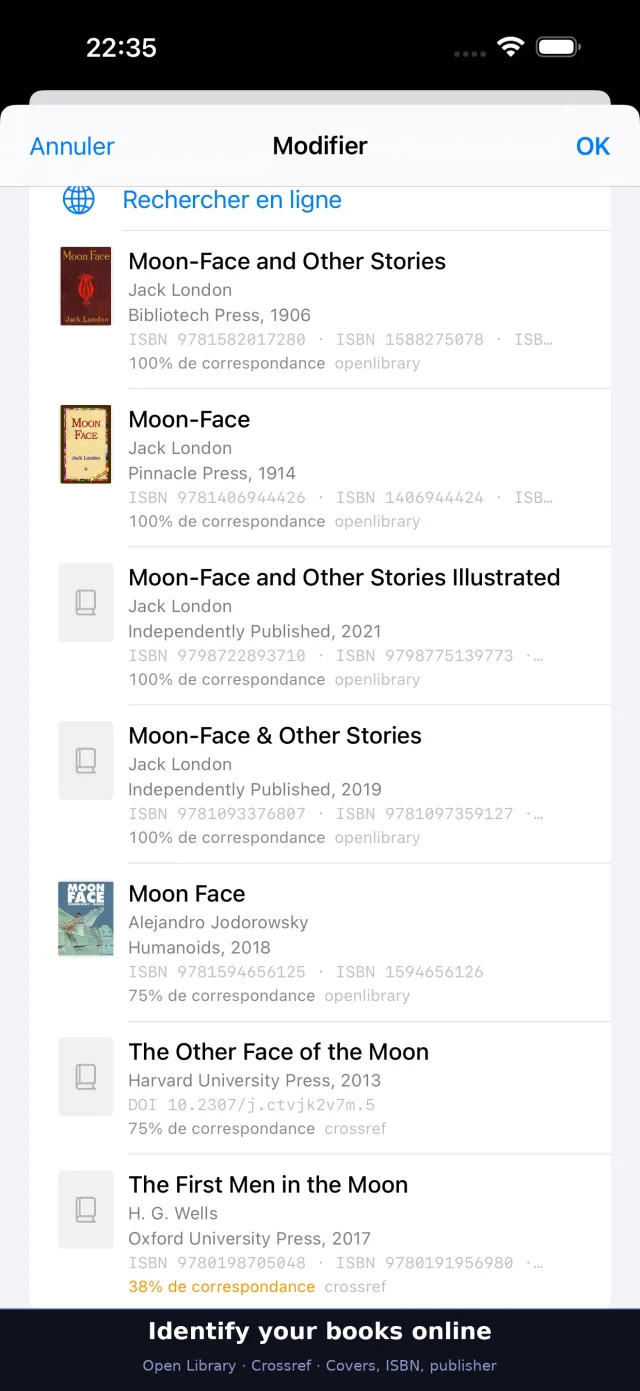
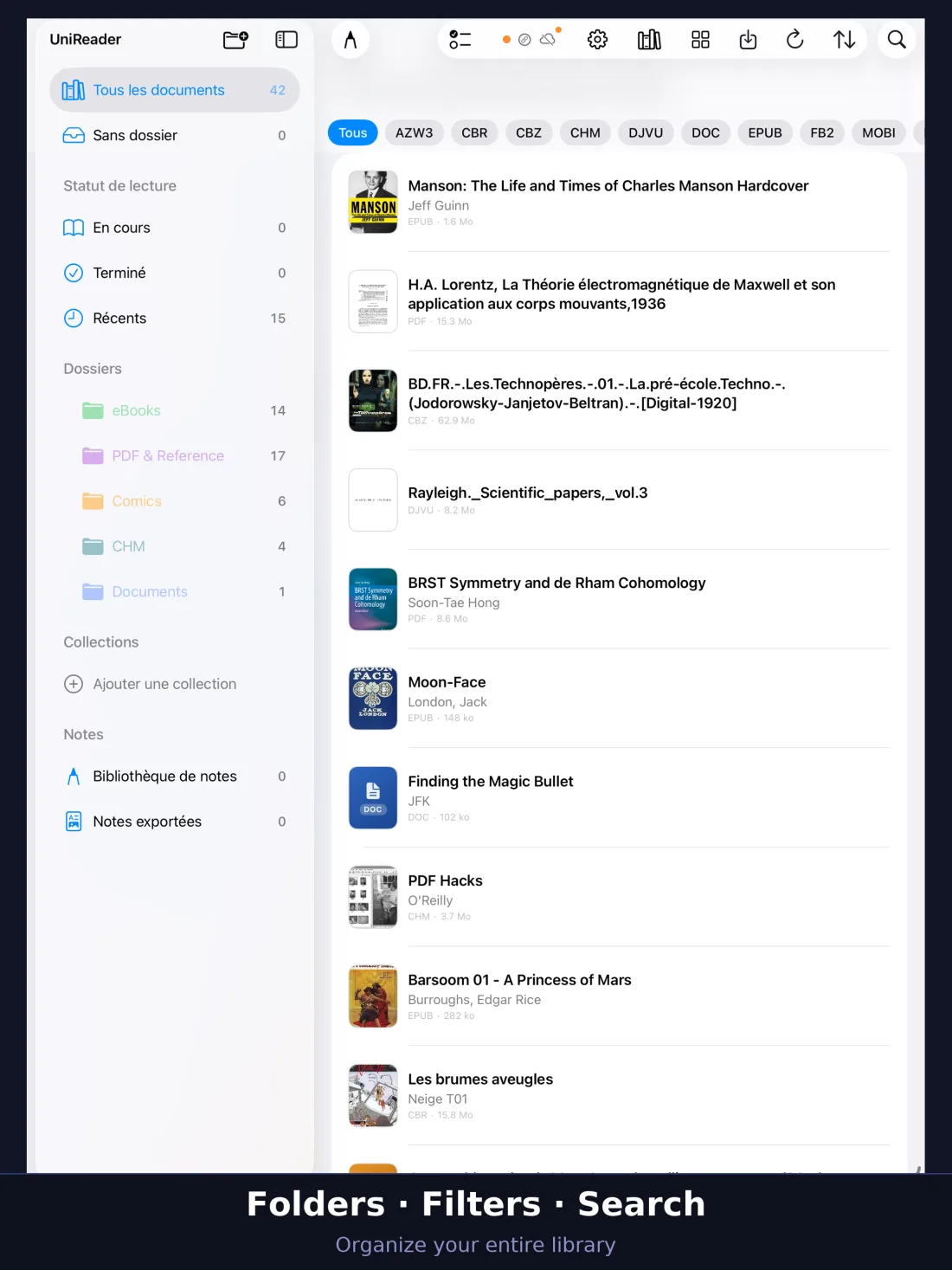
Files are often badly named. Look a book up in Open Library and Crossref, compare the proposals — cover, publisher, year, ISBN — and keep the right one.
Your library then reads like a shelf, not like a folder of file names.
Made for reading
Every feature serves one purpose: letting you think about what you read, not about the file.
Reading themes
Day, night, sepia or paper; your font, your margins; page by page or scrolling.
Highlights and notes
Highlight, add bookmarks, write by hand with Apple Pencil or your finger, and export as PDF or PNG.
Read aloud
Have the text read to you, with the voice and the speed you choose.
Book details online
Find a book’s title, author, ISBN and cover in Open Library and Crossref, and keep what is right.
Large libraries stay quick
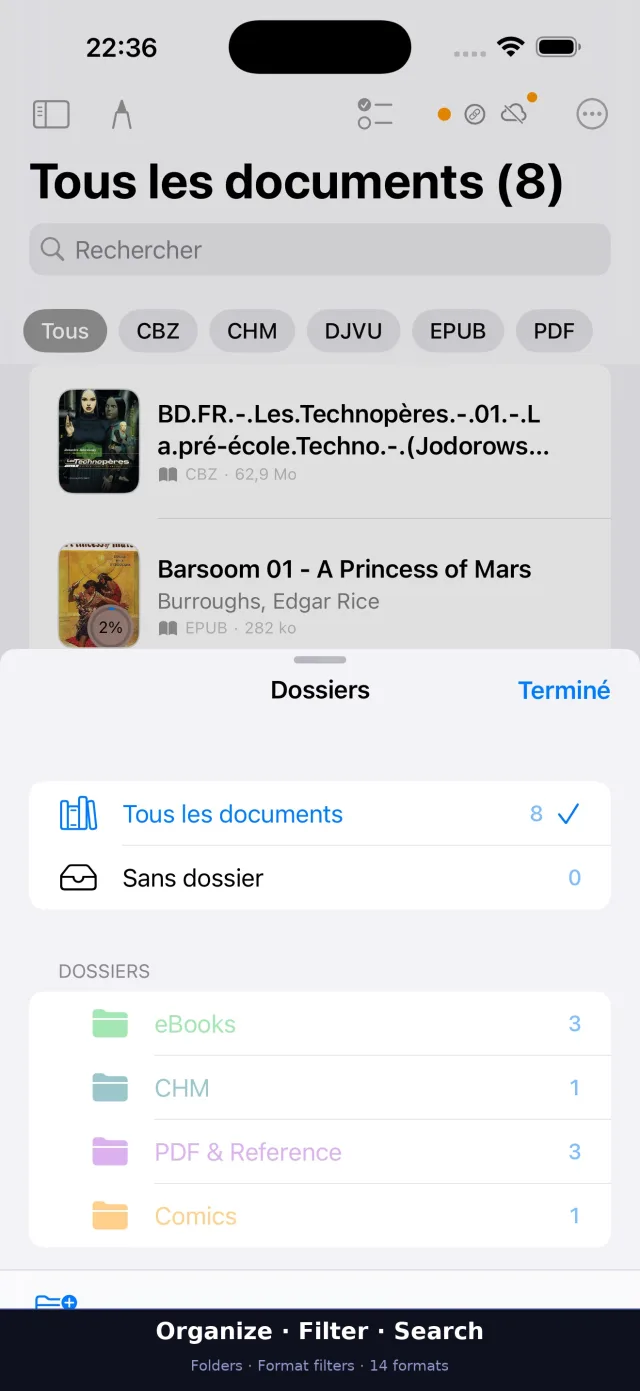
Grid or list, covers, folders, collections and full-text search.
iCloud sync
Progress, highlights, notes and drawings follow you on all your Apple devices, if you turn it on.
Free books
Browse and download free books from Project Gutenberg, Wikisource and other OPDS catalogs.
Wi‑Fi transfer
Send files from your computer’s browser on the same Wi‑Fi. No cable, no extra app.
On the Home Screen
A widget with your current book, its cover and your progress; Spotlight and Siri to jump back in.
Private by design
No account, no ads, no tracking. Your books, notes and habits stay on your iPhone and iPad.
21 languages
The app speaks 21 languages, right-to-left scripts included.
A closer look
Free to start. Everything for 10 days.
For the first 10 days, every feature is open. After that, PDF, EPUB and TXT stay free for as long as you like, and so do the first 7 pages of FB2 books; Premium unlocks everything else.
Free
For good
- PDF, EPUB and TXT, and the first 7 pages of FB2 books
- The library, the reader and its themes
Premium
By month, by year, or once for life
- Every format: comics, DjVu, MOBI, Word, CHM, FB2, LIT…
- Highlights, notes and their export
- iCloud sync across your Apple devices
- Sync with UniReader for Mac
Bought in the App Store, which shows the price for your country. One purchase covers Mac, iPhone and iPad with the same Apple Account.
On your other devices too
Mac, iPhone and iPad share one purchase. Windows is bought separately, in the Microsoft Store.
Questions
Which formats does UniReader open?
PDF, EPUB, DjVu, MOBI, AZW3, CHM, FB2, DOC, DOCX, RTF, TXT, Markdown, LIT, and CBZ and CBR comics — 15 formats, each opened without conversion.
Is it free?
PDF, EPUB and TXT are free to read for as long as you like, and so are the first 7 pages of FB2 books. For the first 10 days every feature is open; after that, Premium unlocks the other formats and the advanced tools — by month, by year, or once for life.
Does it open Kindle or Adobe-protected books?
No. UniReader opens the files you own that carry no DRM. Books locked by Amazon Kindle, Adobe Digital Editions or Apple Books need the app of the store that sold them.
Do I need an account? Is anything tracked?
No account is needed to read. There are no ads, no analytics and no tracking: your files and your reading stay on your iPhone and iPad.
Can I use it on several devices?
Yes. One purchase covers Mac, iPhone and iPad with the same Apple Account, and your progress, highlights and notes can follow you.
Your books. Your device. Your privacy.
Free to start, 10 days to try everything.